




RAD Studio is an advanced IDE for rapidly and visually building high-performance platform-native apps for Windows, Linux, iOS, macOS and Android from a single codebase.
RAD Studio includes the Delphi® and C++Builder® IDEs, InterBase®, RAD Server®, and libraries for Python integration.
Start a FREE Trial View Details90
FORTUNE 100 COMPANIES
3M+
DEVELOPER COMMUNITY
30+
YEARS OF INNOVATION
Only Work With Delphi or C++?
RAD Studio's Individual IDE's Can Also Be Used Independently
Best-in-class Windows integration, powerful visual design features and up to 5x productivity gains make Delphi® the ultimate IDE for building single-source native applications for any platform
Start a FREE Trial View Details
Build blazingly fast native apps with modern C++ for Windows using advanced visual design libraries to build great user experiences fast, boost productivity and shrink time-to-market
Start a FREE Trial View DetailsBuild Faster With Help From Agentic AI


A premium add-on for RAD Studio, Delphi and C++Builder.
Kai is Embarcadero’s agentic AI platform for Delphi, C++Builder, and RAD Studio, integrating automation into development workflows. It generates code and UIs, compiles projects, resolves errors, and executes tasks via MCP-powered workflows. With a flexible BYOK model, Kai supports major LLMs, giving developers control over performance, cost, and data privacy.
View DetailsTo fully support you in your development process we created

Deploy an award-winning relational SQL database in your mobile and desktop applications. InterBase® offers superb encryption and data security, disaster recovery and change synchronization, scales infinitely, embeds anywhere, and works on any device and platform.
Start a FREE Trial View Details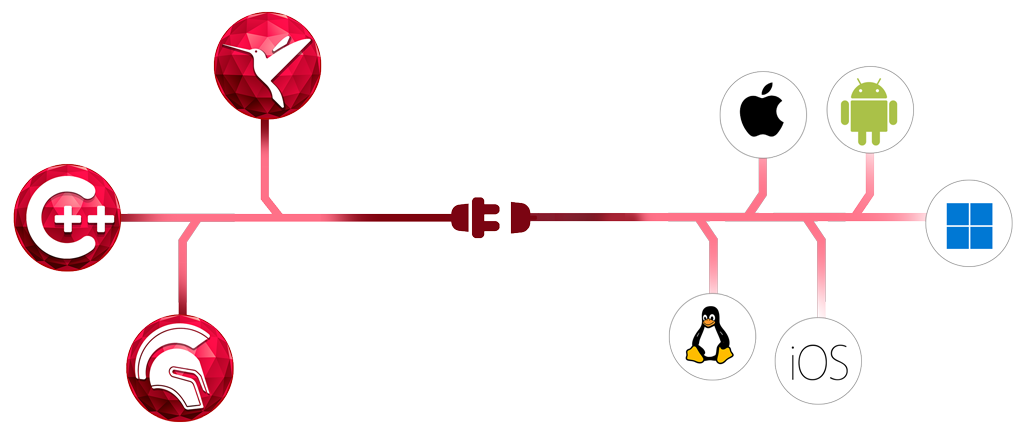
Generate database APIs instantly in Delphi® and C++Builder® to build apps faster with an enterprise-grade REST API application platform available as on-premise or deployable to the cloud
Start a FREE Trial View DetailsThe World’s Leading Companies Rely on Software Built with Embarcadero Tools