
Powerful Features
Explore the technologies, tools, and enhancements that make RAD Studio 13.2 a more powerful development environment.
Build Faster
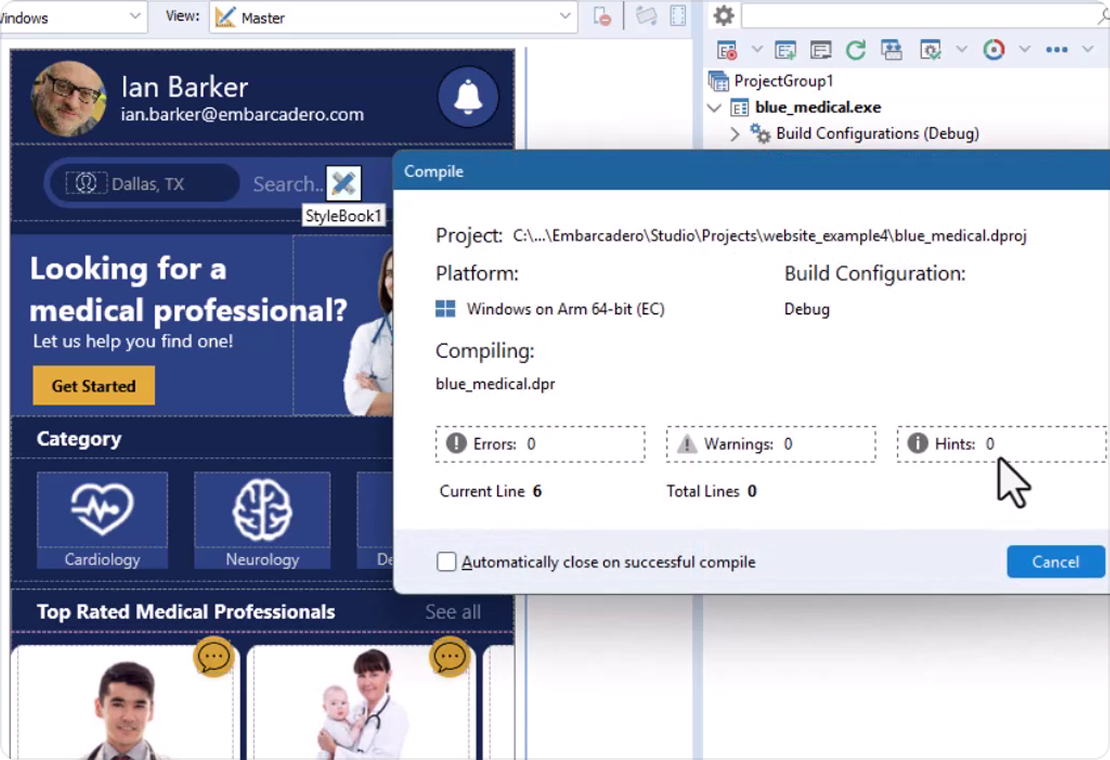
Parallel code generation for Linux Intel 64-bit and Windows Arm64EC delivers up to 14× faster builds in representative testing.
Run Faster
Delphi LLVM 20 optimizations deliver 2-4× speedups in several tests, with some reaching up to 7x, alongside improved debugging performance.
Navigate Faster
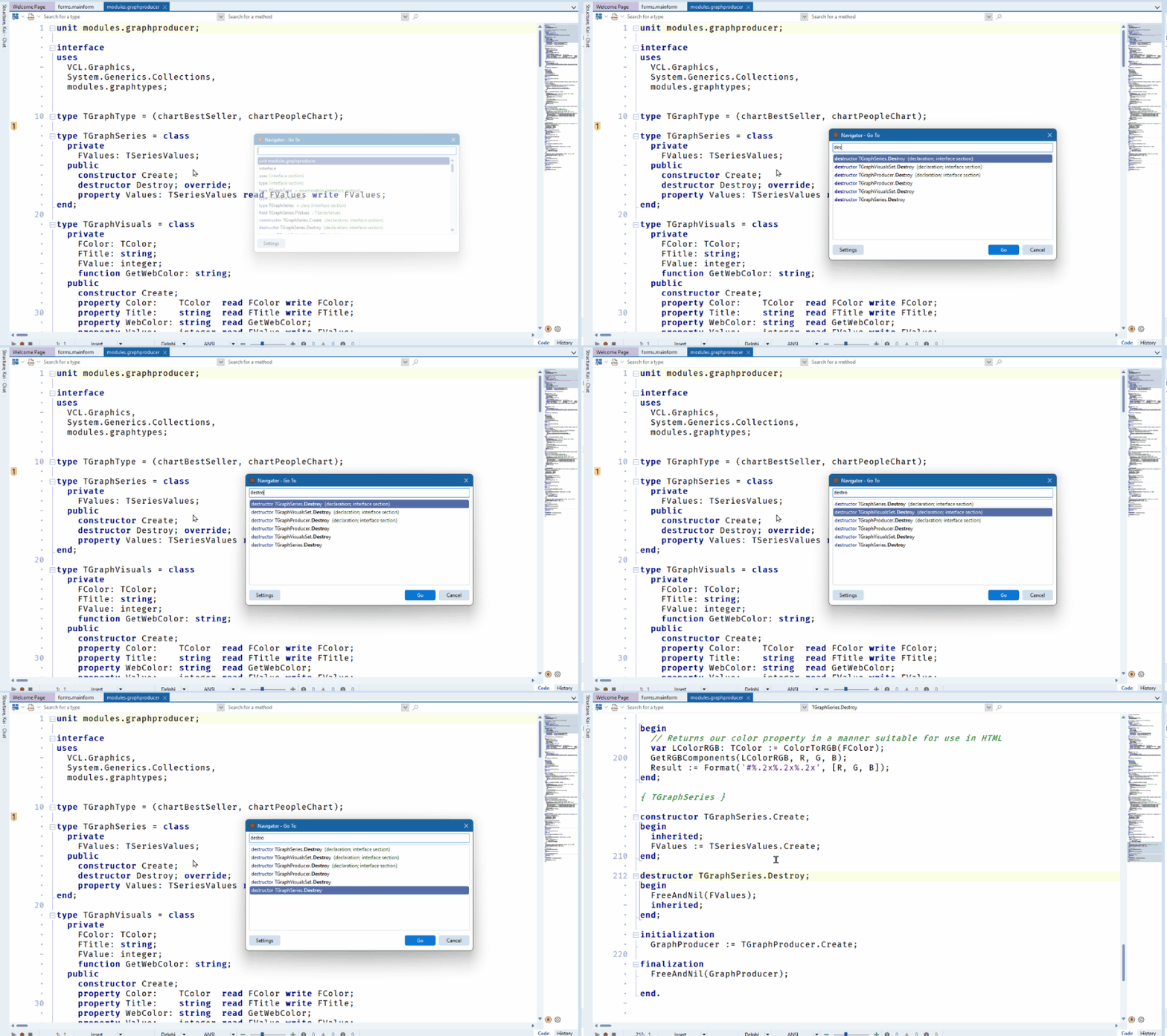
Navigate large codebases faster with Navigator integrated directly into the IDE.
Modernize Applications
Use updated Linux64 tooling, Windows on Arm runtime packages, C++Builder Win64x, Android, and database support.
Create Better UX
Build modern UIs with new VCL navigation controls and an expanded FireMonkey Style Designer.
Bring AI into Your Work
Add AI with SmartCore AI, MCPConnect, and Kai 1.1 for AI-assisted development and applications.
Less Time Waiting
Faster Delphi builds and faster apps
RAD Studio 13.2 moves the Delphi Linux Intel 64-bit compiler to LLVM 20 and brings parallel code generation to Linux Intel 64-bit and Windows Arm64EC, using multiple CPU cores to significantly reduce build times.
Up to 14x faster compilation in representative internal FireMonkey rebuild testing.
LLVM optimizations deliver 2-4x runtime speedups in several measured tests, with some reaching up to 7x.
Improved Linux linking and debugging streamline the development workflow.
Windows Arm64EC now uses the proven FastMM4-based Delphi memory manager by default.


Available for Delphi. Linux Intel 64-bit compiler support requires Enterprise or Architect
“Windows ARM compiled code is "quantum leap" faster.”
- Tomasz K., Senior Developer
C++Builder
Evolving C++ for Modern Development
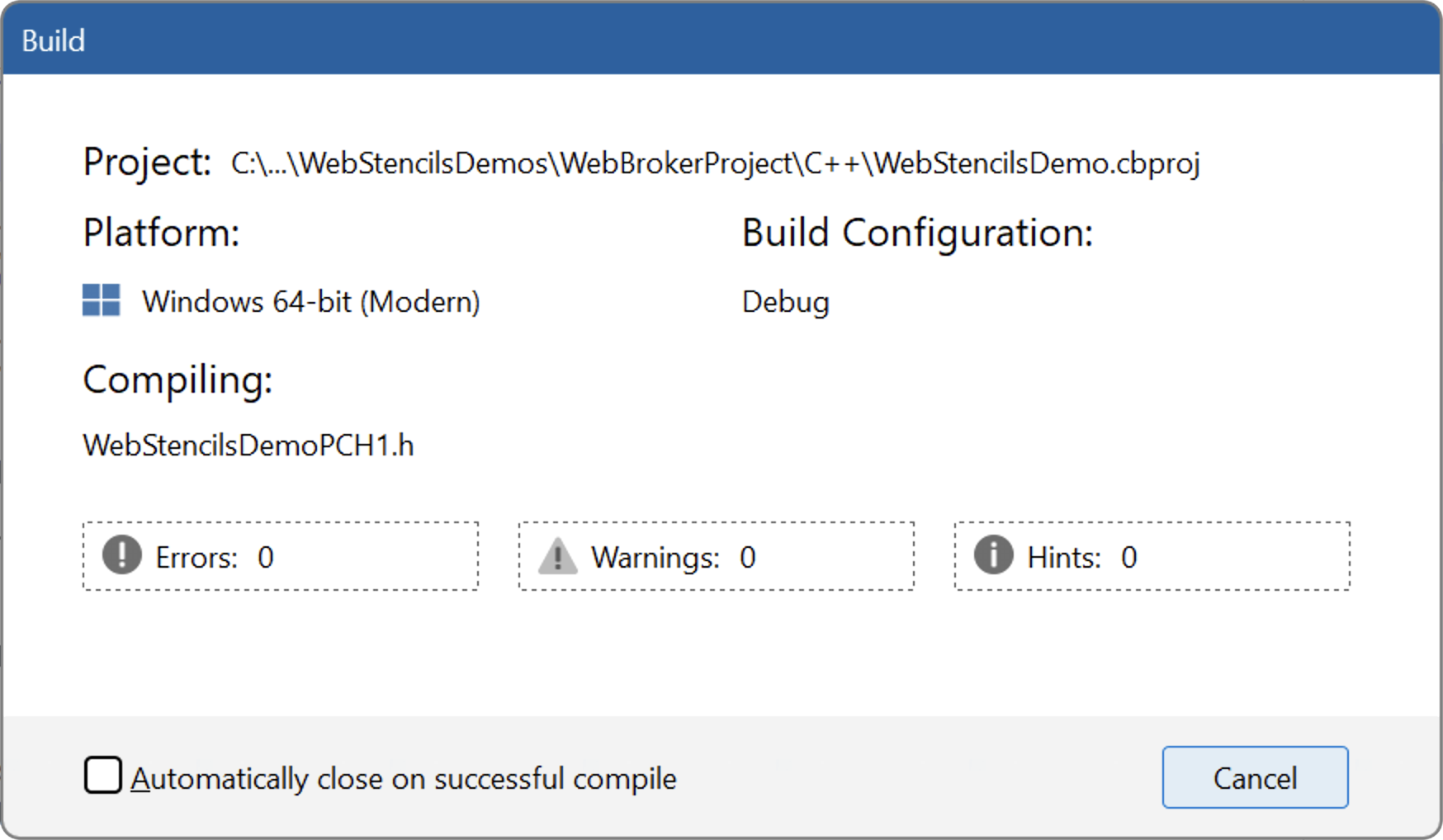
RAD Studio 13.2 strengthens the C++Builder Win64x toolchain with better performance, stability, and IDE integration.
Improved Compiler & IDE Integration
More accurate build progress, responsive cancellation, structured diagnostics, and fewer unnecessary rebuilds.
Better Packages & Debugging
Improved package support and a stronger debugger make everyday C++ development more reliable and productive.

Available for C++Builder
Modernize with Less Friction
Easily Modernize Your Apps
Bring established applications forward with improved Windows on Arm support and modern runtime capabilities.
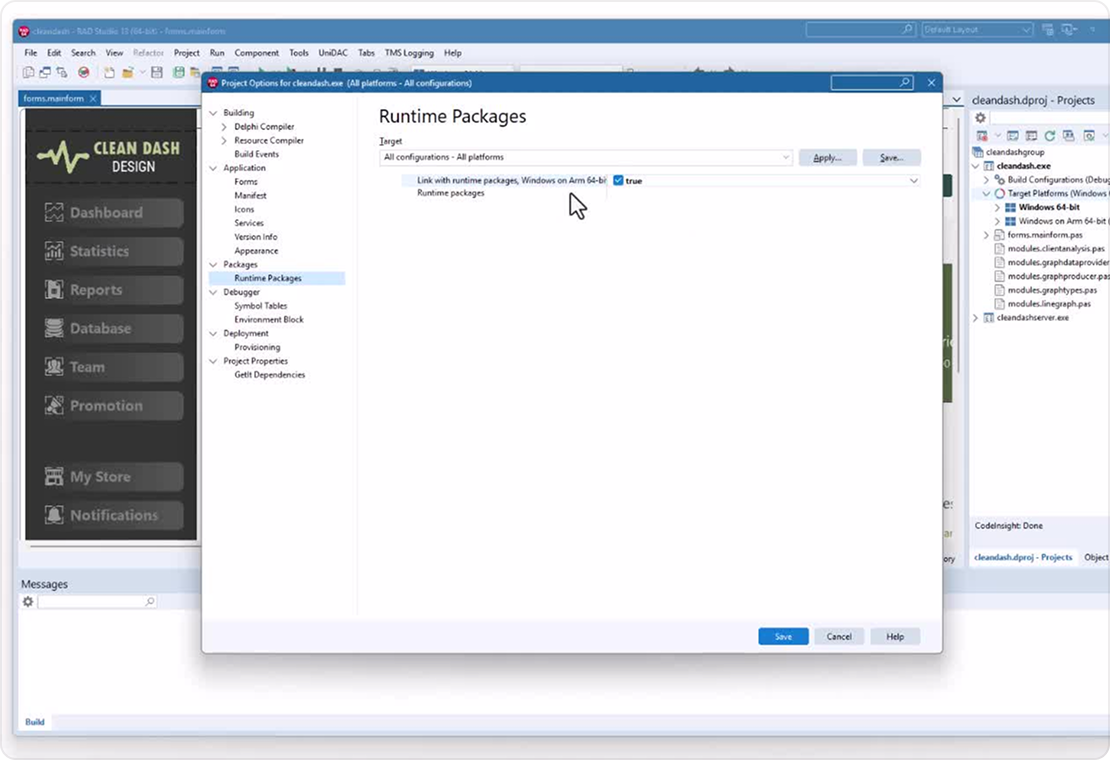
Windows on Arm Runtime Packages
Delphi applications targeting Windows Arm64EC can now create and consume dynamic runtime packages, helping existing applications retain modular deployment and shared functionality when moving to Windows on Arm.
Modern Windows Development
Bring established applications forward with improved Windows on Arm support while maintaining existing application architectures.
Available for Delphi
Platforms & Data
Stay Current Across Platforms
RAD Studio 13.2 keeps applications aligned with current platform, database, and service requirements across Android and enterprise data access.
Android Updates
Updated Android SDK/NDK integration, Google AdMob and Maps libraries, plus Android Age Verification API access.
Expanded Database Support
FireDAC adds PostgreSQL 18.4 support, Oracle CLOB prefetching, and IBM Informix connectivity through ODBC.
More Secure Authentication
OAuth 2 Authorization Code Flow with PKCE provides stronger authentication for public clients.
Availability varies by language, platform, and edition
IDE & Productivity
Navigate Large Codebases Faster
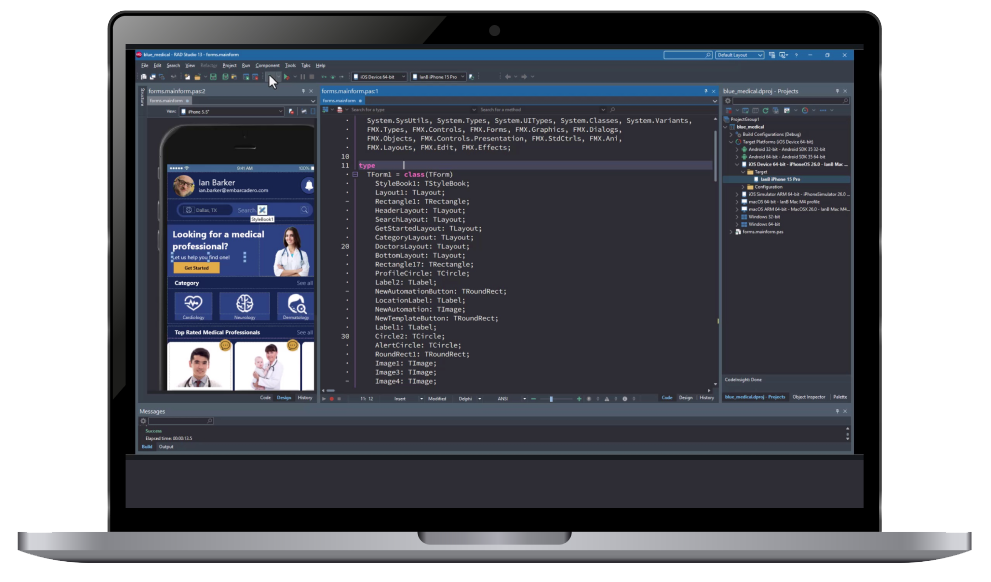
RAD Studio 13.2 integrates Navigator directly into the IDE, helping you move through large or unfamiliar codebases faster.
Jump quickly to units, types, methods, and symbols with real-time Goto.
Explore source structure, active lines, breakpoints, and errors in the editor minimap.
Improved IDE and debugger reliability delivers faster, more accurate everyday development.
Available for Delphi and C++Builder
“RAD Studio 13.2 is a milestone release…The Delphi Linux LLVM 20 compiler, new optimizations, and Integrated Navigator deliver a major boost in both performance and developer experience.”
- Cesar R., Senior Developer
VCL & Modern UI
Build Modern Application Experiences
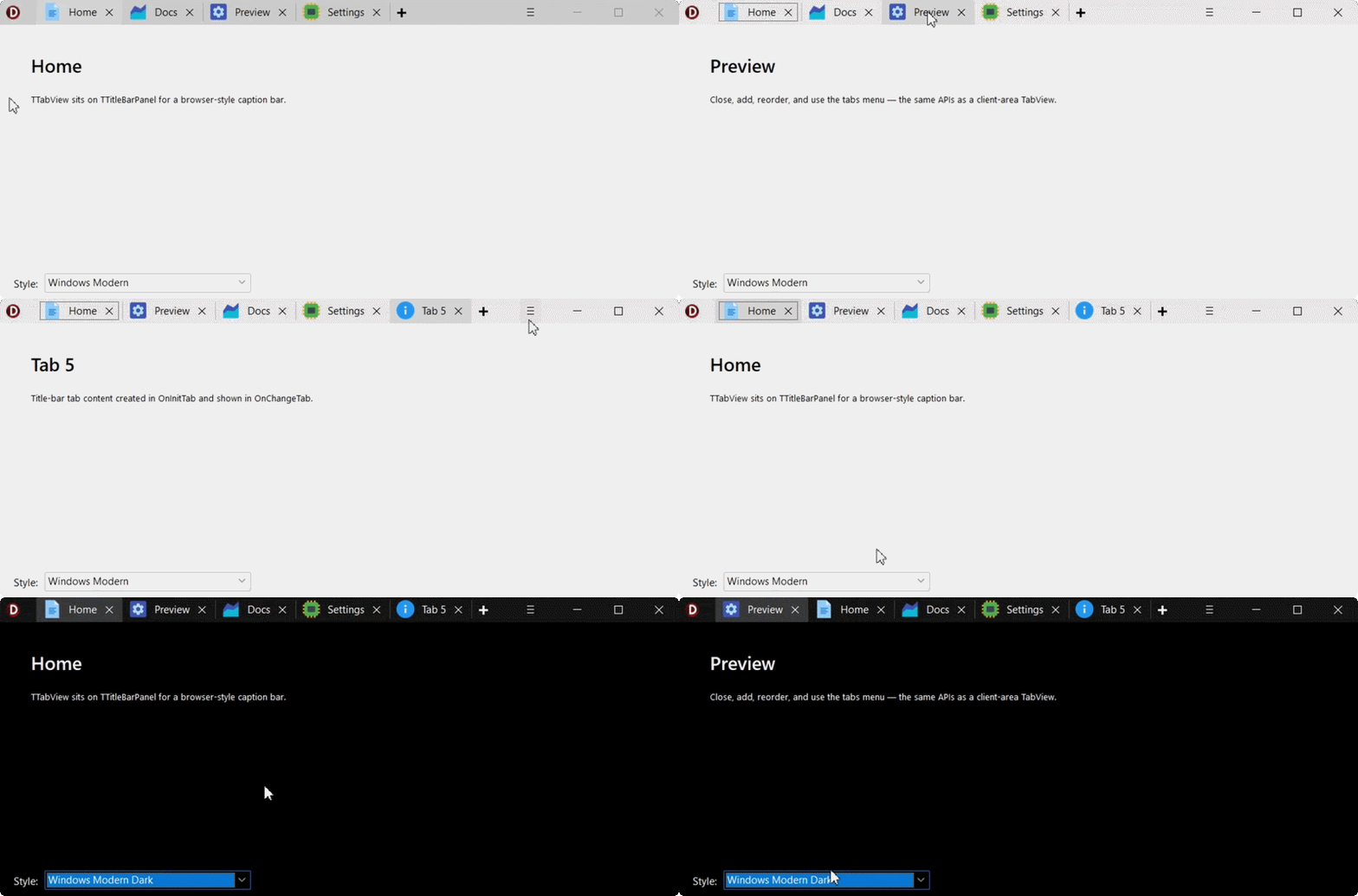
RAD Studio 13.2 introduces new VCL navigation controls for building contemporary Windows application experiences faster.
TTabView adds flexible tab-based navigation with images, multiline captions, scrolling, and quick-access actions.
TNavigationView provides modern vertical navigation with compact modes, drag-and-drop ordering, and extensive customization.
Both integrate with forms, pages, frames, cards, and third-party controls.
“RAD Studio 13.2 delivers practical VCL improvements, from new TTabView and TNavigationView controls to a more flexible Object Inspector. The new OpenTools API for third-party formatters is the highlight for me. I’ve been waiting years for this!”
- Ali D., Senior Developer
FireMonkey & UI Design
Design Modern UIs with More Control
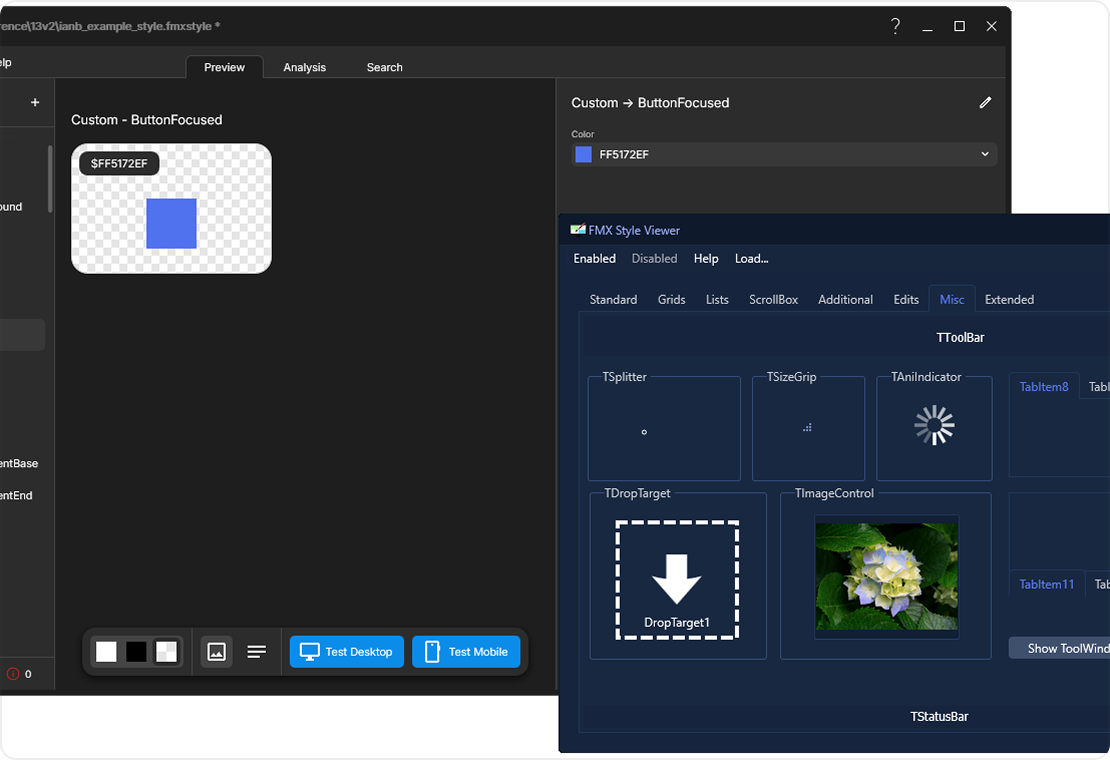
RAD Studio 13.2 expands the FireMonkey Style Designer, giving developers and designers more control over modern, cross-platform application styling.
Launch the Style Designer directly from the IDE and import existing VCL Style Format files.
New search and analysis tools help identify unused resources, broken references, and duplicate names.
Expanded gradients, glow, vector effects, and text-layout capabilities provide greater creative control.
Skia4Delphi 7.3, improved Windows animations, and Per-Monitor v2 HighDPI support further enhance the UI experience.
Available for Delphi and C++Builder
AI Integration
Bring AI Into Your Applications
RAD Studio 13.2 introduces redesigned SmartCore AI Components, making it easier to integrate modern AI capabilities directly into Delphi and C++ applications.
Connect to OpenAI, Anthropic Claude, Google Gemini, and Ollama through a provider-independent architecture.
Add conversational AI, content and image generation, structured responses, and intelligent data analysis.
Build application-specific AI experiences without creating separate integrations for every provider.
Available for Delphi and C++Builder through GetIt
Model Context Protocol
Connect Your Apps to the AI Ecosystem
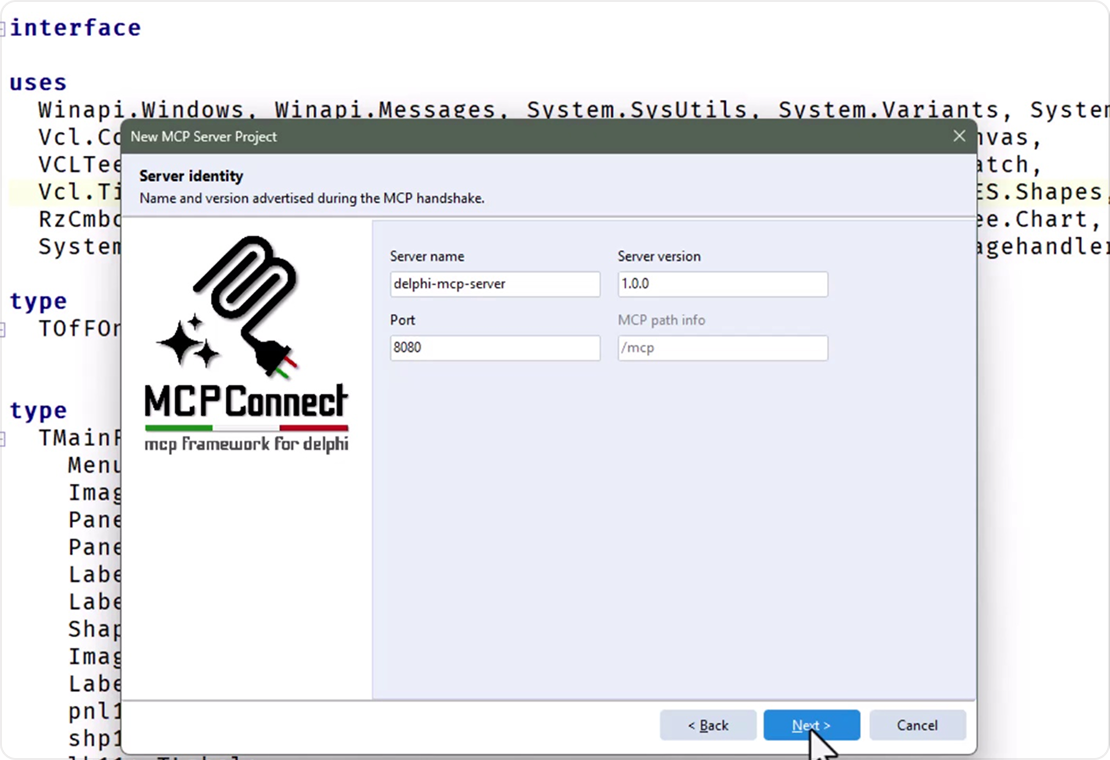
The new MCPConnect library makes it easier to build Model Context Protocol (MCP) servers with Delphi and C++Builder.
Expose existing application functions, business logic, data, and reusable prompts to compatible AI clients.
MCPConnect handles protocol infrastructure including routing, serialization, schema generation, and sessions.
Turn existing applications into capabilities that AI agents and assistants can interact with.
Available for Delphi and C++Builder through GetIt
“Blistering backend speed, cutting-edge frontend. The biggest engineering update in recent times: prepare your systems for the next decade with the new LLVM20 compiler.”
- Juliomar M., Senior Developer
Upgrading from 12 or earlier?
Get all the latest capabilities, plus the major features and enhancements introduced in previous releases.

Module complémentaire premium
Meet KAI 1.1 - More Agents. More Possibilities
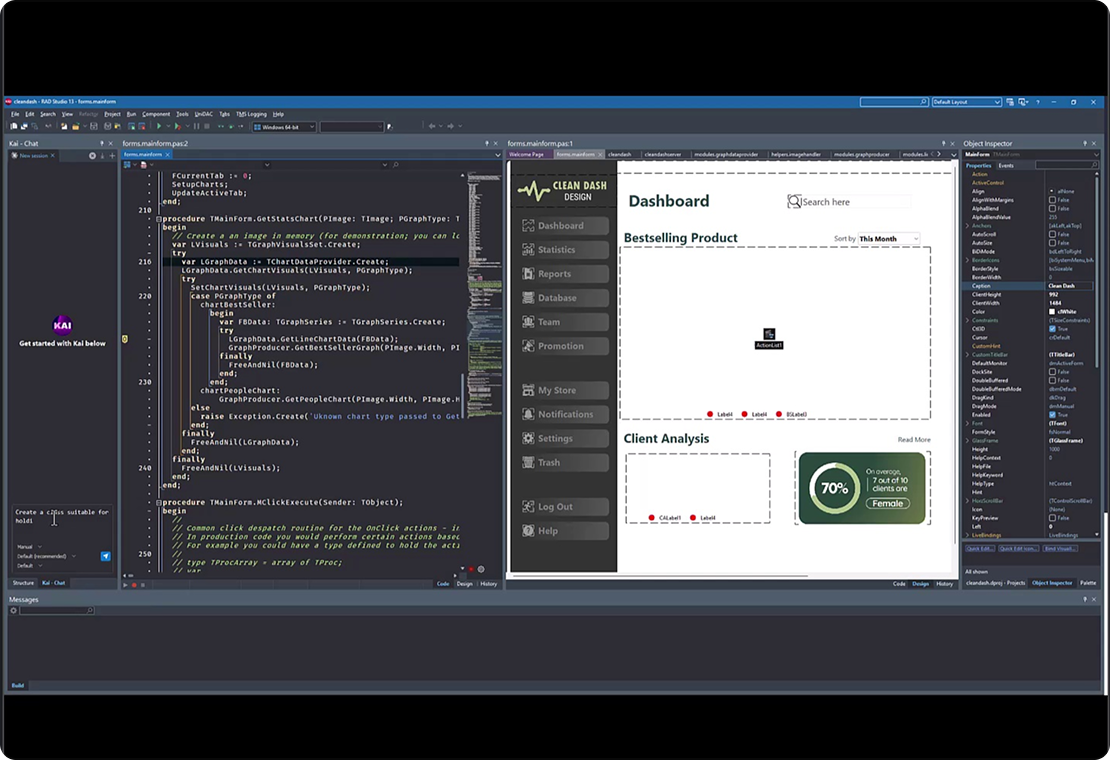
Kai 1.1, RAD Studio’s premium AI coding assistant, introduces a new agent architecture for discovering, installing, updating, and using AI agents directly inside RAD Studio.
40+ AI Agents
Access agents including GitHub Copilot, OpenAI, Anthropic Claude, Gemini CLI, Grok, Mistral, Cursor, Devin, Kilo Code, Junie, and more.
ACP Registry Integration
Discover, install, and update AI agents directly within your RAD Studio workflow. Expanded local AI support through the LM Studio ACP agent, alongside a redesigned chat and agent experience.
Try Kai for free