















Mac OS
Building your app in RAD Studio eliminates the need to engage in multiple development efforts for the same application on multiple devices. This means you get to market faster on multiple devices for the first release – and every release after that – while keeping costs down.
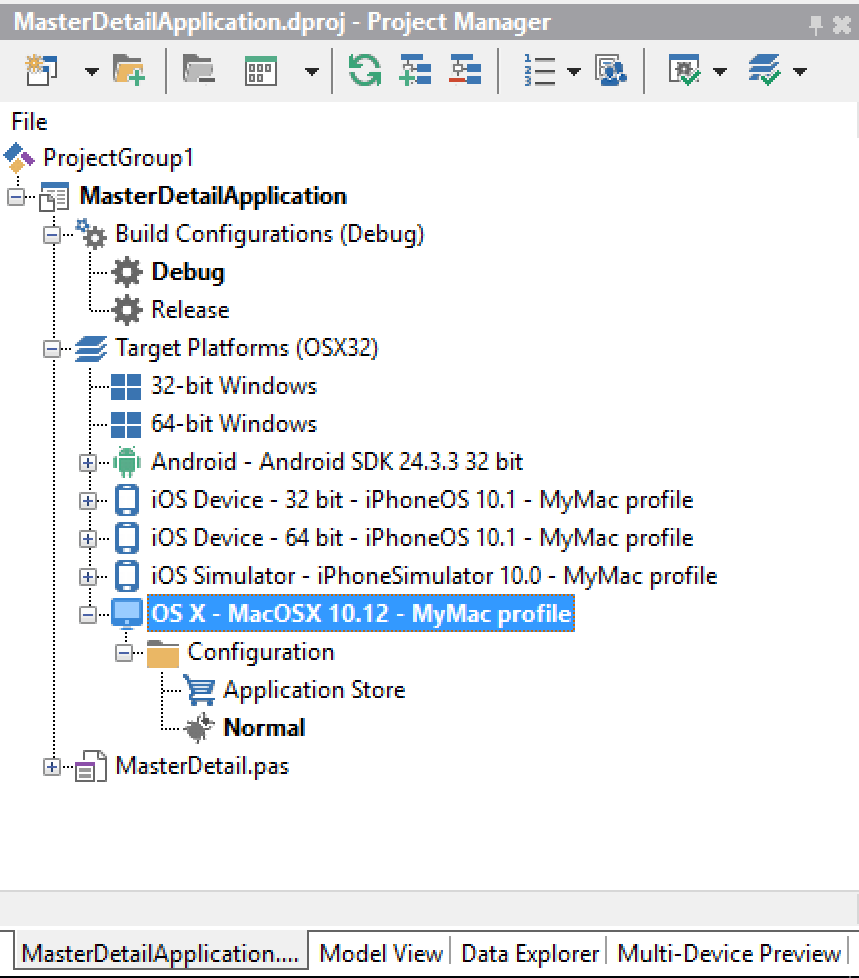
Create your apps once and click to compile to Android, iOS, Windows & macOS
RAD Studio speeds and simplifies macOS application development for Windows developers. Delivering a macOS version of your FireMonkey application is as simple as choosing macOS as an additional target platform and clicking to compile – no other development team required!
Fast Data on your Mac.
Data is an essential part of any business application. Ensure your data is accessible and always available with the cross-platform InterBase. InterBase is a developer’s dream, offering award winning business grade capabilities in a fast, small footprint, ideal for use on any device.
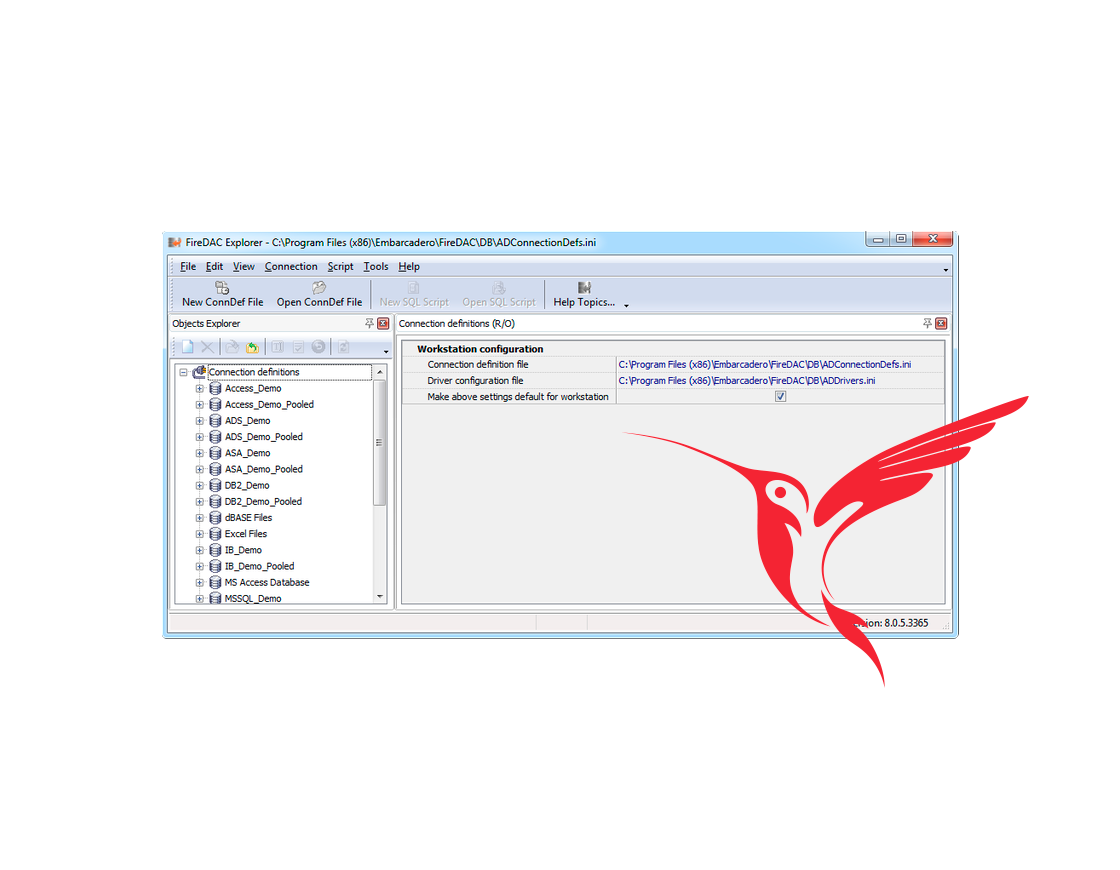
FireDAC offers cross-platform database components to developers for use on Windows, macOS, iOS, Android and Linux with RAD Studio. Simplify your database connectivity and connect to your data on any platform that offers supported drivers. (including ODBC, JDBC)
Enhanced User Experience
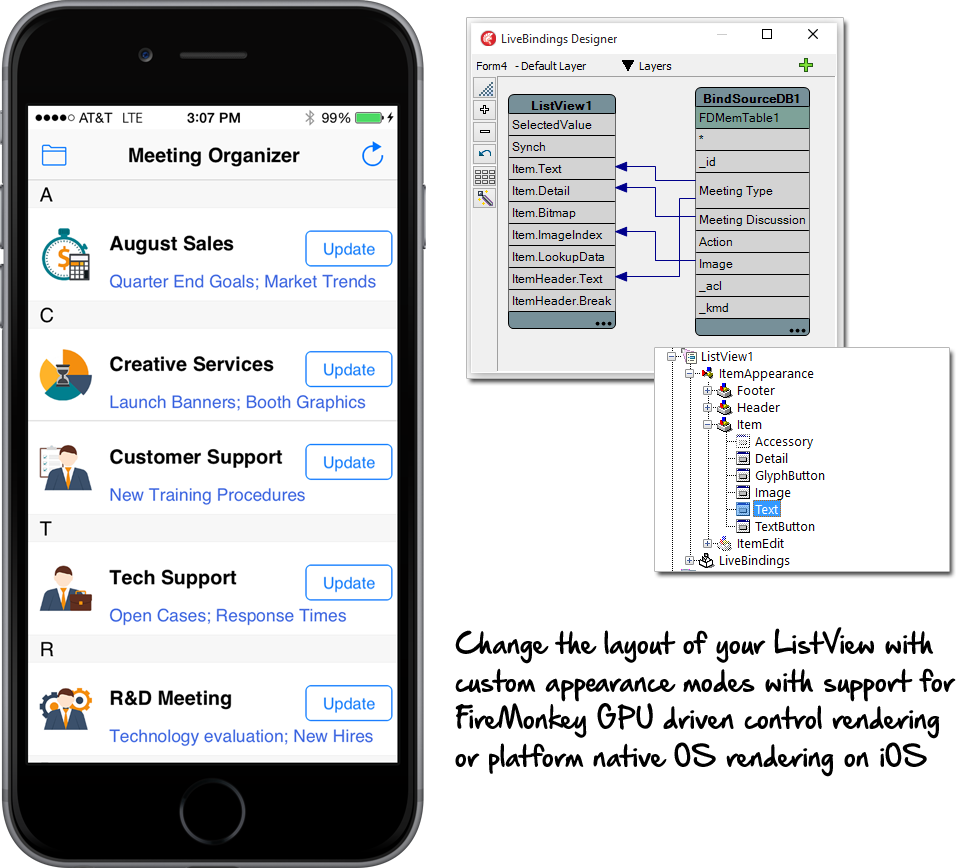
Give your Mac users the experience they expect with a native user experience built from pixel perfect native GPU drawn controls.
FireMonkey enhanced styles and effects enable developers to deliver user experiences that look right and feel right down to the pixel level, but also have improved usability built in, such as indicating a required field with a color glow to speed up usability. Choose from over 50 no-code effects for both images and components.